Prevent problems early,
keep records and reporting simple

See what changed first, and just ask the AI about your maintenance history. Excel work logs build up automatically, so there is less repeat data entry — and the records feed straight into reports and proof of results.
Meissa Green for course management teams

Leading course management teams already prove their results with data — and raise course quality with it

Know where to look first

Check what changed before you drive the course.

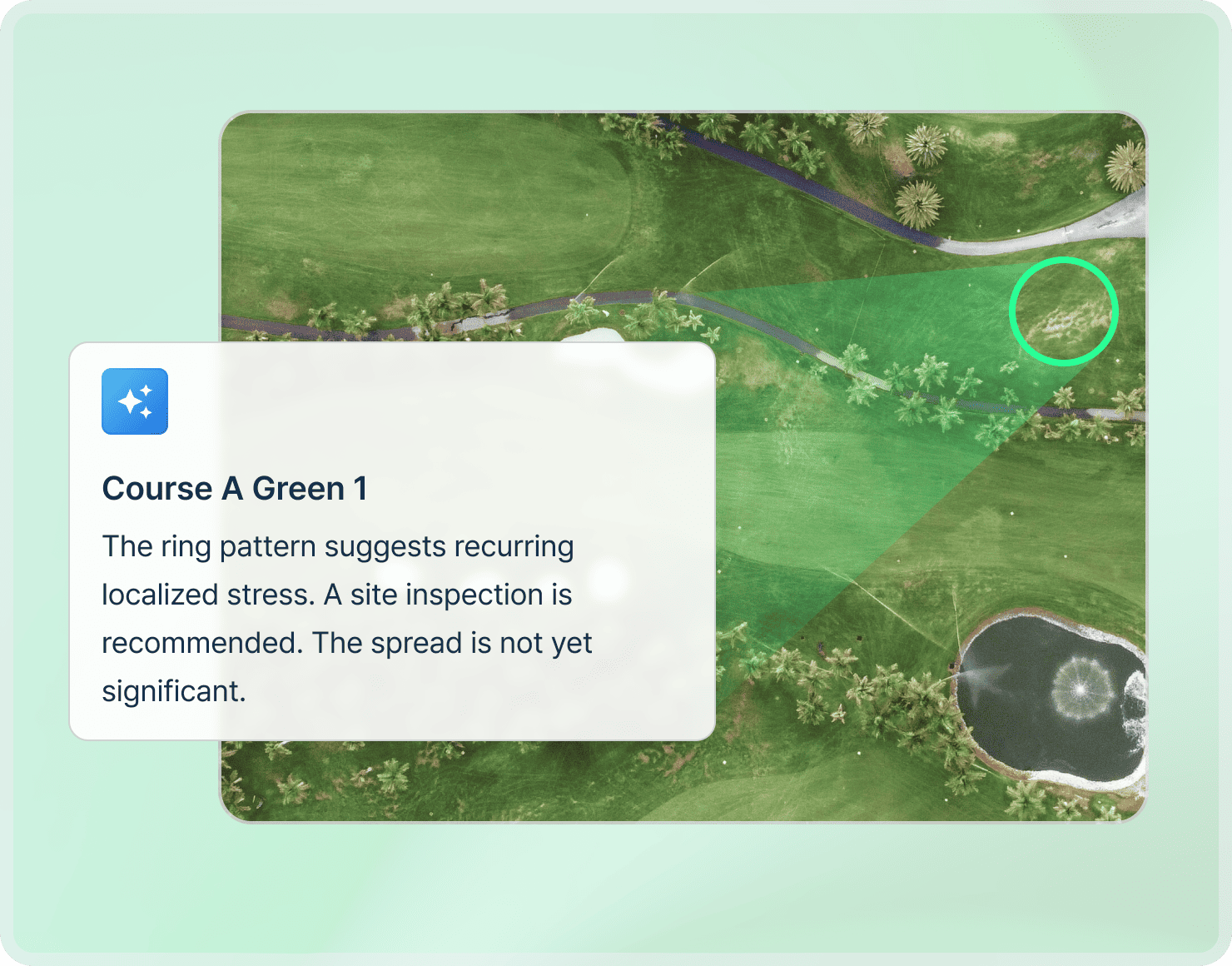
By comparing scheduled captures, Meissa Green shows you which areas changed since last time and which spots keep getting worse. Instead of giving every area the same attention, focus inspections and crew where they are actually needed.

See which areas changed since the last capture
Compare locations where changes keep recurring
Pinpoint the exact hole and area on the map
Link the related past imagery and work records

A smarter AI assistant

“What did we do here around this time last year?” The AI answers, so you don’t have to go looking.

Ask a question and it pulls the imagery, vegetation index, thermal data, weather, and work records together. You see the relevant dates and locations, and how things changed before and after the work.
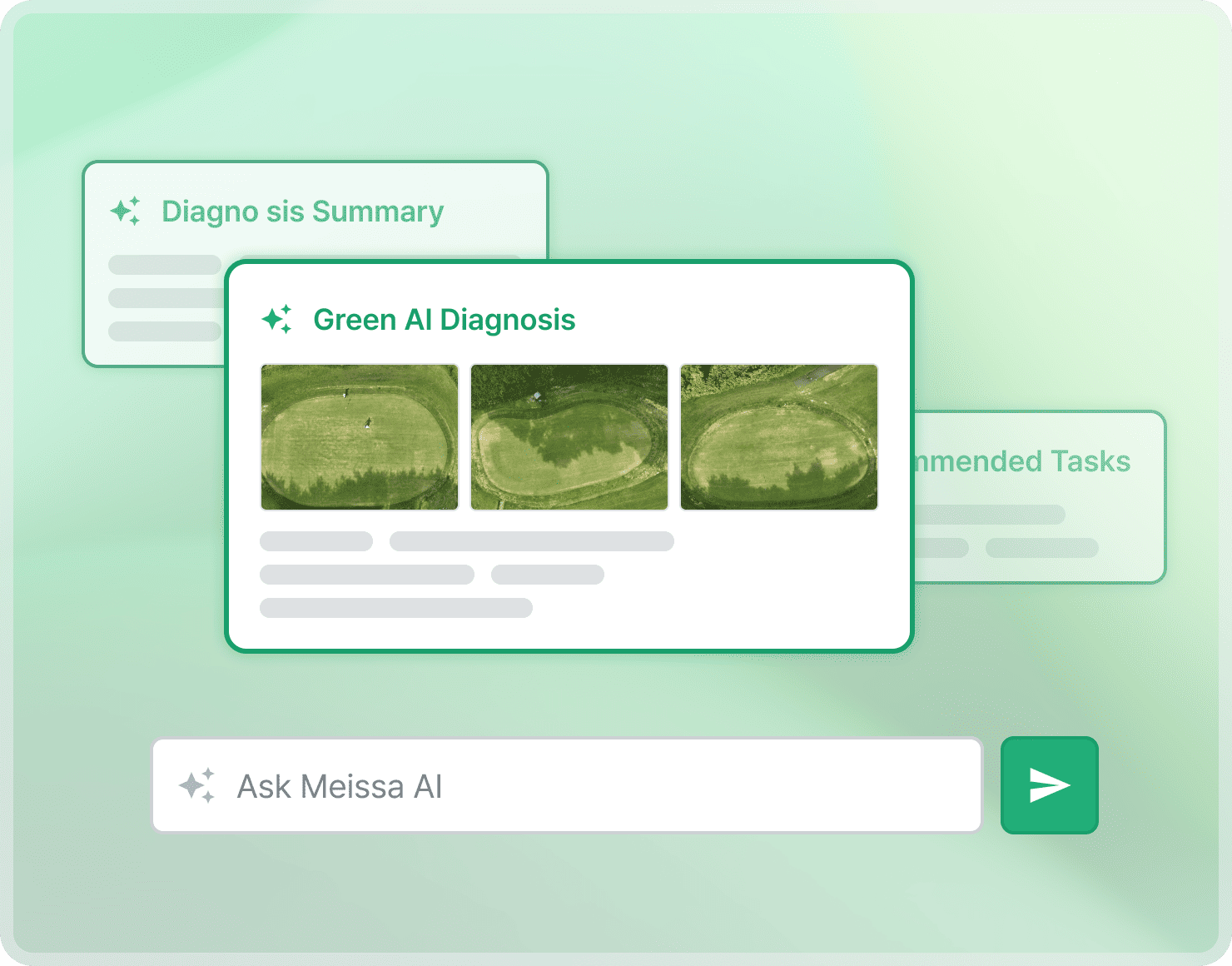
Query periods, areas, and work records just by asking
See the related imagery and the original records
Automatic totals for chemical and fertilizer use
Compare past and present, before and after the work

Chemical and fertilizer history

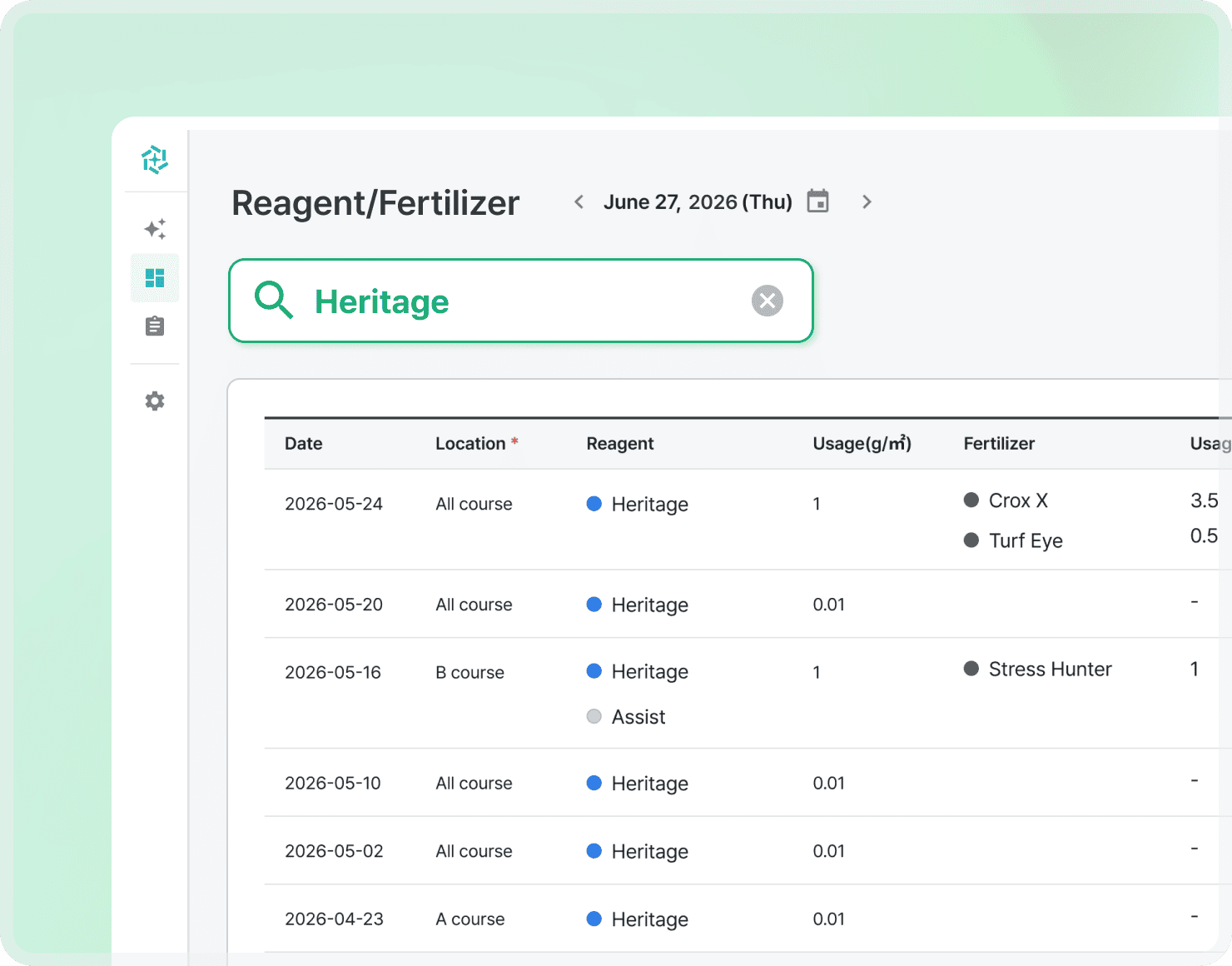
“How much Heritage did we apply?”
Pull up the history in a second.

From the amounts recorded in your work logs, you can see at a glance which products and what dosages went into similar jobs.

Amounts entered in a work log are archived permanently
See current usage by product in one list
Ask the AI for usage by month or by period

Maintenance history and proof of results

From repetitive reporting work to records that prove results on their own

Course imagery, field photos, and work logs are linked by location and date. Before-and-after changes and the amounts used stay together, ready for a report or for answering a complaint.
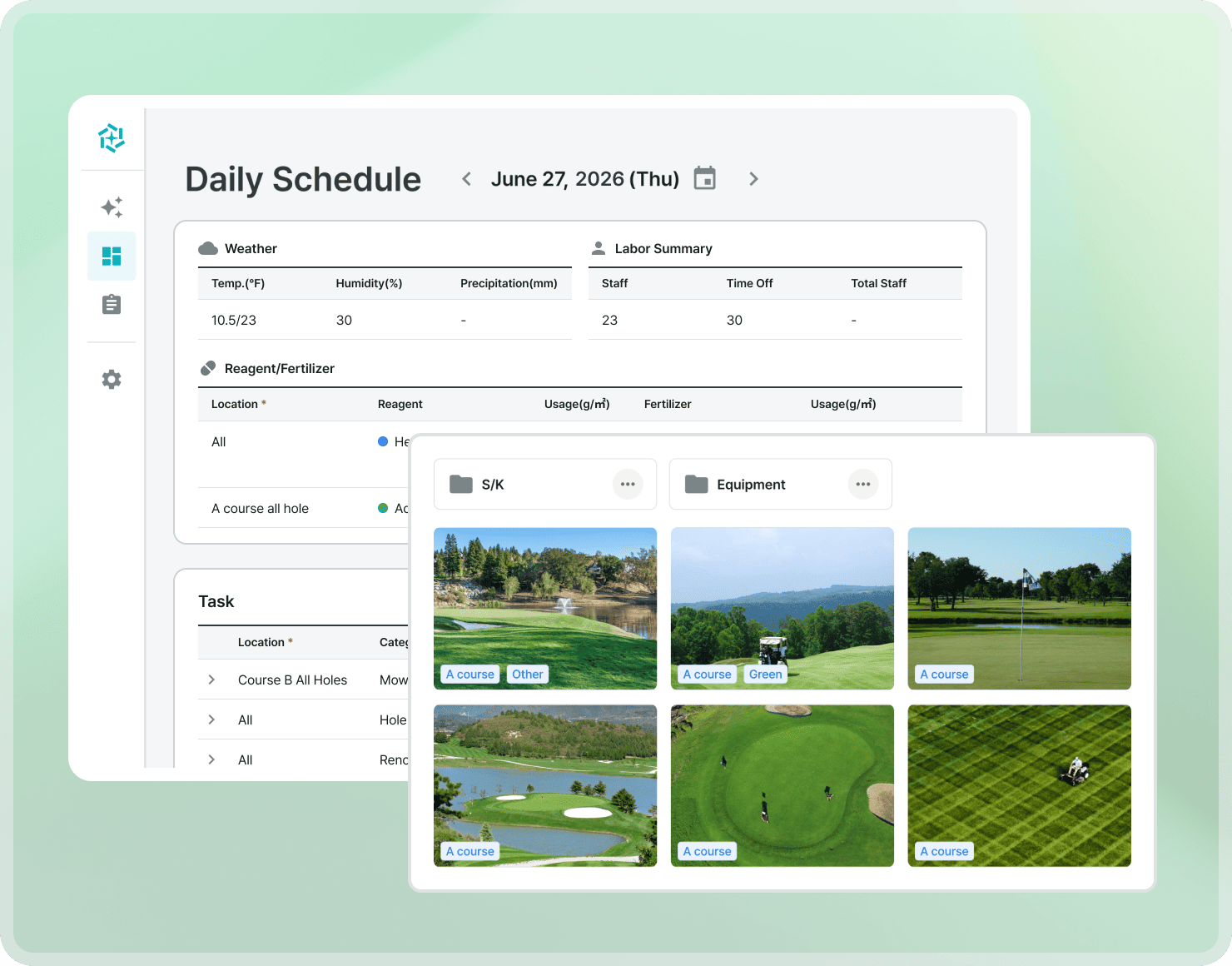

Compare before-and-after imagery at the same location
Check the work done at the time and the fertilizer used
Look up similar past jobs and what happened afterwards
Use the records for reporting and for explaining decisions

The crew works the way they always have and just uploads the work log. The biggest gain is the time we get back from writing reports — we spend it on one more pass over the areas that need checking first.

Problem areas and work history are recorded by location, so sharing with the field and reporting upward got much easier.

Golf course, Seoul metropolitan area

Course management team lead

See More Customer Stories
Meissa AI

AI reads and interprets your course data and turns it into what you need to manage ahead of problems.

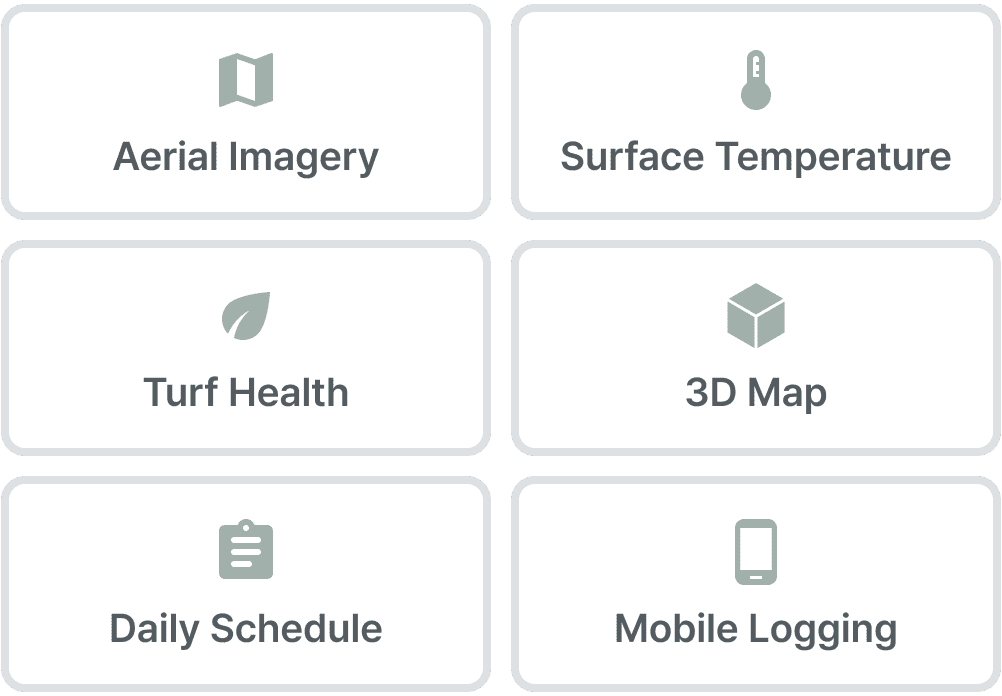
With your data connected in one place, you can follow everything from a change on the course to the result after maintenance.

REPORT & BLOG

Related resources

Clearer course management,
lighter routine work.

Plan Your Rollout →